 appuza
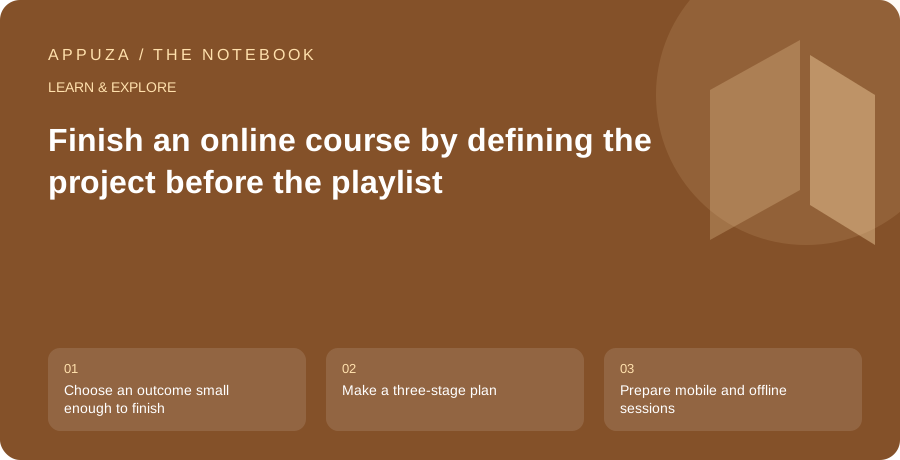
Choose an outcome small enough to finish
A course catalogue can encourage collecting topics faster than you can use them. Before enrolling in another course, define a small deliverable that would make the learning worthwhile. It might be a simple spreadsheet, a short edited video, a basic website or a written explanation of a concept. The deliverable should be specific enough that you can tell when it works. Complete this course is an activity goal; produce this result is a useful learning goal.
Read the syllabus with that result in mind. Identify the sections that directly support it and the prerequisites you need. A course can be excellent while being too broad or advanced for your immediate purpose. Do not choose solely by lecture count. A shorter course that addresses the missing skill may fit better than a large collection whose opening hours repeat things you already know. Current product terms, access and included resources should be verified on the course's actual page.
Make a three-stage plan
Divide the work into preparation, guided practice and independent use. Preparation covers account access, software requirements and the small amount of background knowledge needed to begin. Guided practice means following an example carefully enough to understand the steps. Independent use means changing the example or building your own deliverable without replaying every instruction. These stages make it harder to mistake passive viewing for the ability to perform the task.
Assign a realistic amount of time to each stage. A forty-minute lecture can require much longer when you pause to practice, resolve an error and write a useful note. Do not fill your calendar based only on video duration. Leave room for the part where the instructor is no longer doing the work for you. If the project is too large for the available time, reduce its scope before starting rather than hoping motivation will create extra hours.
Prepare mobile and offline sessions
Decide which parts can be done on your phone and which require another device. Watching an explanation on a commute may work well, while coding, editing or detailed spreadsheet work may need a computer. Keep those activities connected through a short next-action note. Otherwise, you can accumulate many watched lectures while postponing every practical exercise. A mobile session should advance the project, even if its output is simply a clearly identified step to perform later.
Udemy documents downloading courses, sections or lectures for offline viewing in its Android app. Check the current instructions and your own access conditions before relying on that feature. Download only the material needed for the next planned session, verify it plays and include any permitted resources the exercise requires. Offline video access does not automatically mean every quiz, external tool or linked resource will work without a connection. Test the actual study workflow before travel.
Take notes around decisions and errors
Avoid transcribing the instructor's entire explanation. Record the decisions that matter to your project: why a setting was chosen, what a step changes and how you recognized an error. A useful note helps you act later. A long transcript may preserve words without making the process easier to reproduce. Keep the official course reference beside the note so that you can return to the relevant section when needed.
When something fails, write down the expected result, the actual result and the change that fixed it. This creates a personal troubleshooting record. Do not immediately copy a solution without understanding whether it addresses the same problem. Software interfaces and versions can differ from the course recording. Check official documentation for current behavior, and distinguish a course's historical screenshot from the steps available in your own installation.
Test understanding with a controlled variation
After completing a guided example, change one meaningful element. Use different input data, adapt the layout, modify a requirement or explain the result to another person. The variation should be small enough to diagnose but large enough that you cannot succeed by repeating the instructions mechanically. If it breaks, return to the specific concept involved rather than restarting the entire course from the beginning.
Keep a checkpoint at the end of each practical section. Ask what you can now do without the video, what remains unclear and which part of the deliverable has improved. A completion percentage is a record of platform activity; your checkpoint is evidence about the skill. Both can be useful, but they answer different questions. Do not feel compelled to watch unrelated sections before using a capability that already solves your original problem.
For a spreadsheet course, the deliverable might be a small household inventory with a working total and a filter. Watching the lesson is preparation; reproducing the instructor's table is guided practice; entering your own categories and checking the result is independent use. This distinction makes the next action obvious and prevents an evening of completed videos from being mistaken for a finished usable spreadsheet.
Close the course with a usable artifact
Finish by saving the deliverable, a short explanation of how it works and any instructions needed to reopen or reproduce it. Remove temporary files that have no purpose, but keep meaningful source material and references. If you share the project, respect the course's licensing and avoid publishing restricted instructor assets as your own work. Your original decisions and adaptations are the part that demonstrates learning.
Then decide whether the next step is another course, more practice or simply using the new skill. Continuing to study can be valuable, but it should respond to a specific gap rather than the availability of another recommendation. A completed small project gives you a clearer basis for that choice. The course has done its job when you can produce a useful result, explain your decisions and recognize where you need further help, not merely when the last lecture receives a check mark.
Official references
These are editorial walkthroughs based on documented features, not claims of a completed device test. Product behavior can change. Send a correction.