 appuza

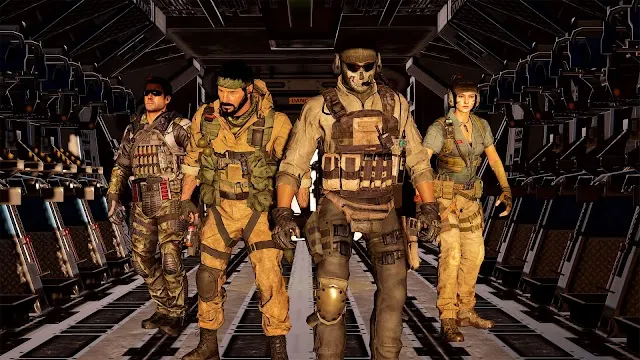
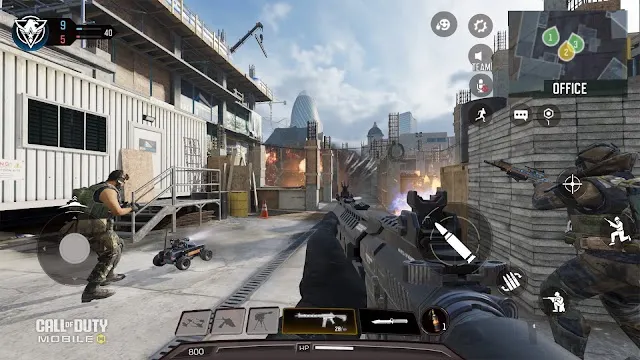

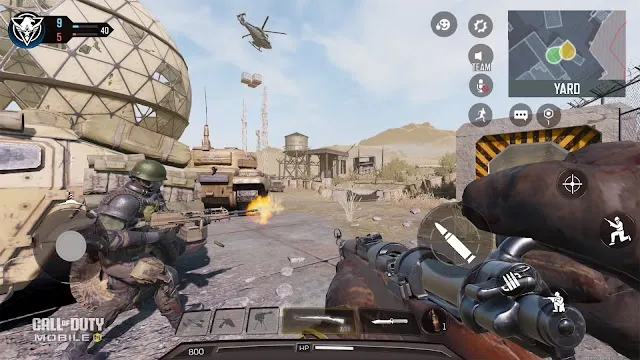
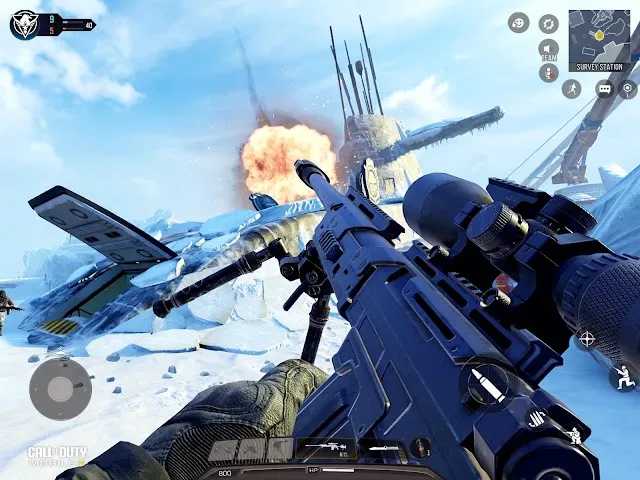
About this game
Call of Duty: Mobile: choose a mode before choosing a loadout
One app contains several different contests
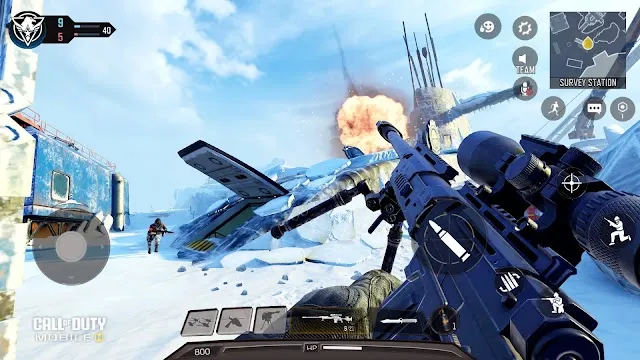
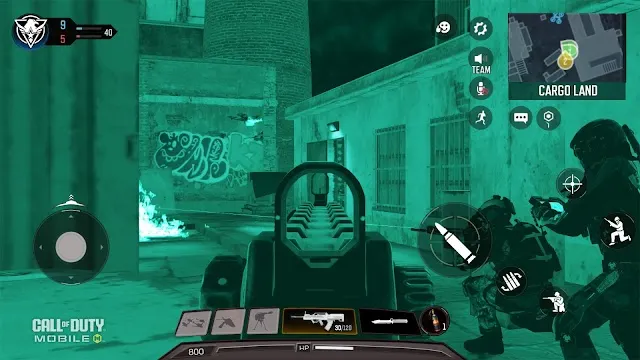
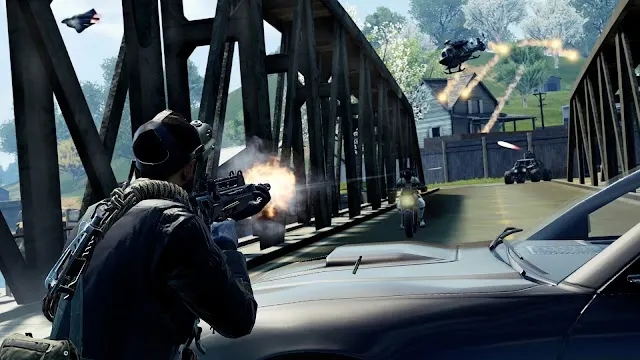
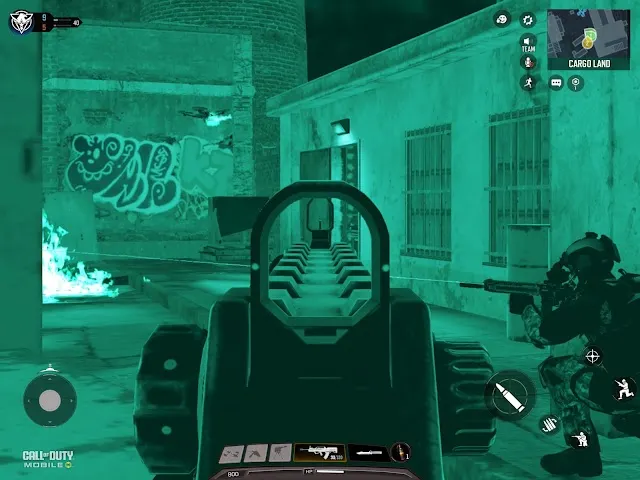
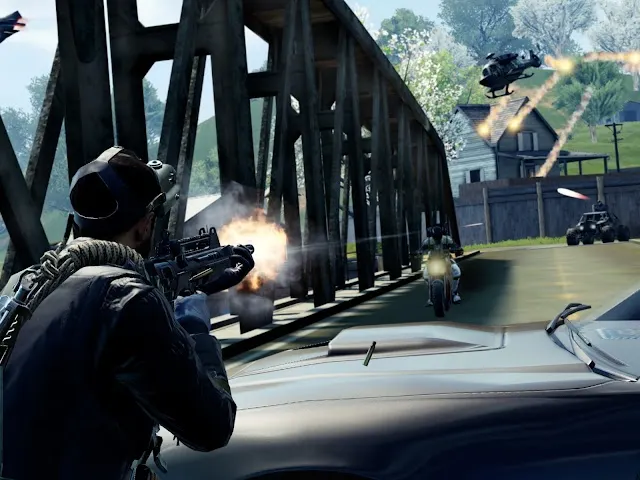
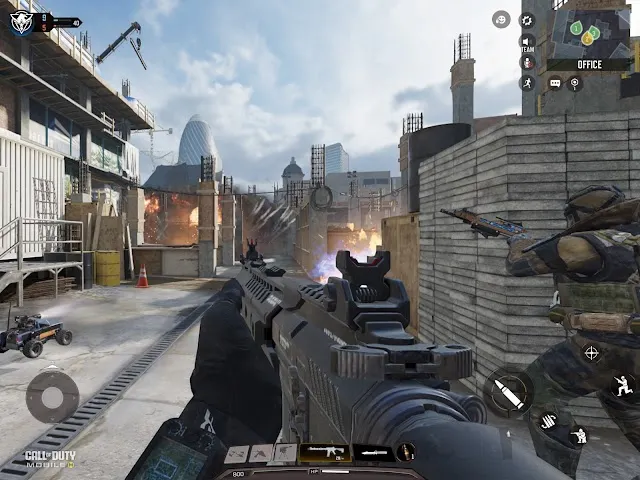
Call of Duty: Mobile's official listing describes traditional multiplayer modes, ranked play and battle royale. These should not be treated as one uniform experience. A small-team objective match emphasizes repeated engagements and understanding a defined map, while battle royale adds a broader survival and positioning problem. The useful first decision is which kind of session you want. A loadout that feels comfortable in one mode may not answer the same needs in another, even when the weapon names and interface are familiar.
Make the touch layout a learning priority
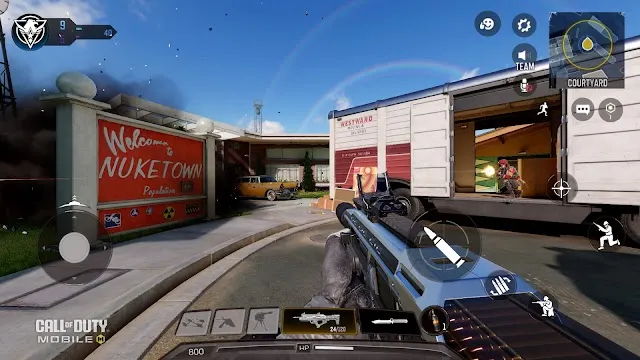
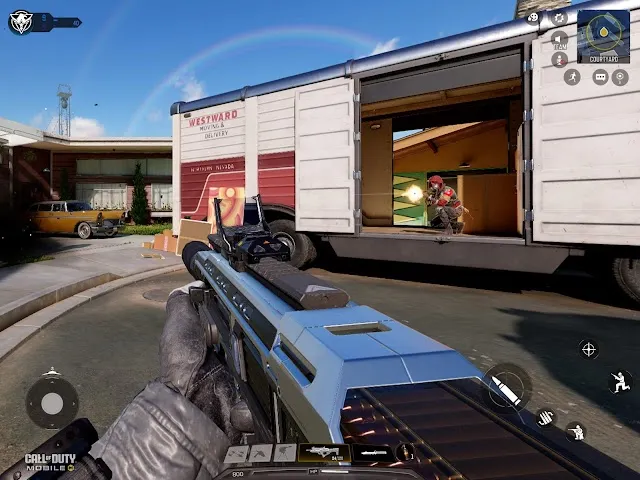
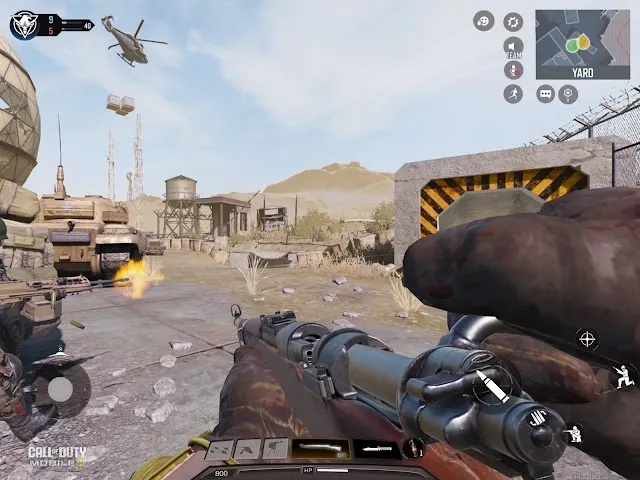
Use the available introductory or practice opportunities to establish aiming, movement and access to essential controls before treating ranked results as a measure of ability. A button arrangement that causes accidental actions can hide the difference between a tactical mistake and an input problem. Learn one map or objective at a time and review why an encounter was lost: position, timing, aim or lack of awareness. We have not benchmarked latency, frame rate or matchmaking, so this profile cannot promise a particular competitive experience on your phone or connection.
Seasonal progression is separate from match quality
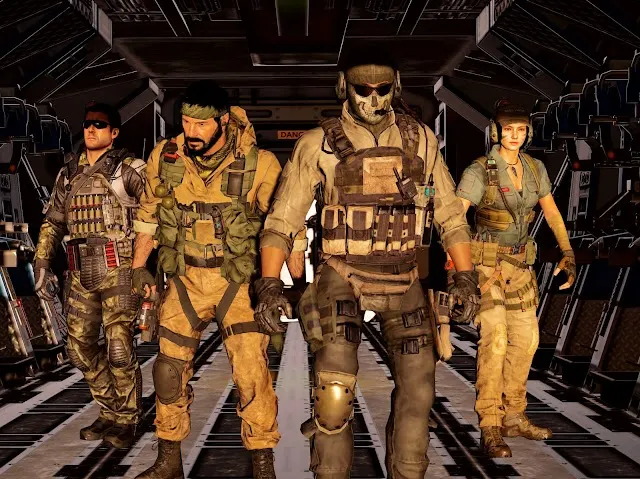
The listing promotes unlocks, operators, weapons and changing playlists. These can provide variety but also create a continuing progression routine. Check the current store, pass and download requirements before committing to a long session or a purchase. Large content updates and optional resources can matter to storage planning even when the initial download appears manageable. Choose the game if you want several shooter formats within one mobile ecosystem. PUBG Mobile is the alternative to examine when survival-oriented battle royale is the primary interest, while Critical Ops offers a more concentrated tactical-shooter proposition. The right comparison starts with the mode you will actually play.
Choose a mode before choosing a loadout
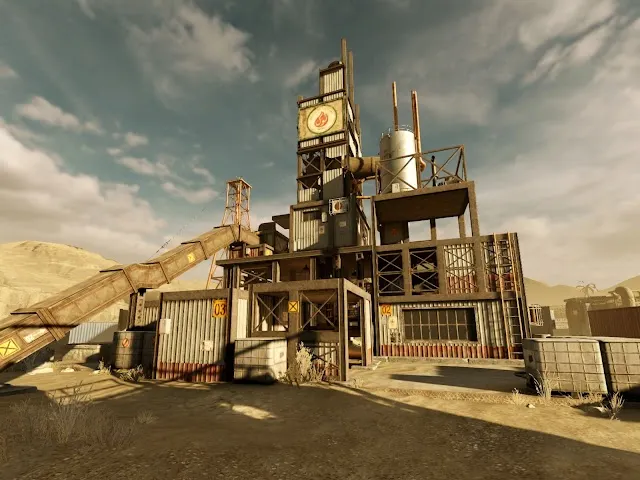
The publisher combines conventional multiplayer with battle royale and other activities in one app. Those formats can require different awareness: a tightly bounded match and a larger survival encounter do not reward identical decisions. Start with one mode, learn its objective and inspect the control layout before investing time in a large set of equipment choices. A familiar franchise map is not proof that a desktop habit will transfer comfortably to a phone. Touch reach and visibility should be checked on the actual screen.
Plan for a connected session and account recovery
The official description explicitly requires an internet connection. Complete the downloads needed by the mode you intend to play before inviting others, and leave enough uninterrupted time to finish a match. Optional purchases should be evaluated by their stated contents rather than treated as a remedy for unfamiliar controls. If progress matters to you, confirm how the account is recovered before a phone change. This review does not test network latency, matchmaking, battery use or whether a particular device can sustain a desired frame rate.
Editor’s assessment
Select the match format and comfortable controls first; collection and seasonal goals should follow an enjoyable core shooting experience.
Other approaches to consider
PUBG MOBILE, Critical Ops: Multiplayer FPS. Read the mechanics and trade-offs before deciding which approach suits your routine.
Compare the store labels
Google Play, US / English snapshots. “Not indicated” means the label was absent, not a guarantee that a feature or charge can never appear. Prices and availability can change. Scroll across to compare all columns.
| Listing detail | Call of Duty®: Mobile | PUBG MOBILE | Critical Ops: Multiplayer FPS |
|---|---|---|---|
| Upfront price | Free to install | Free to install | Free to install |
| In-app purchases | Listed | Listed | Listed |
| Advertising label | Contains ads | Contains ads | Contains ads |
| Android requirement | 7.0 | 5.0 | 7.1 |
| Source checked | 2026-10-24 | 2026-10-24 | 2026-10-24 |
Sources & scope
- Google Play listing: Call of Duty®: Mobile — features, store statistics and publisher screenshots, checked 2026-10-24.
- Official product information
- Apple listing metadata — iOS version and package size.
Our recommendations are editorial interpretations of documented features. We have not benchmarked the app on a device. Prices and availability can change by account and country. Review method · Send a correction