 appuza
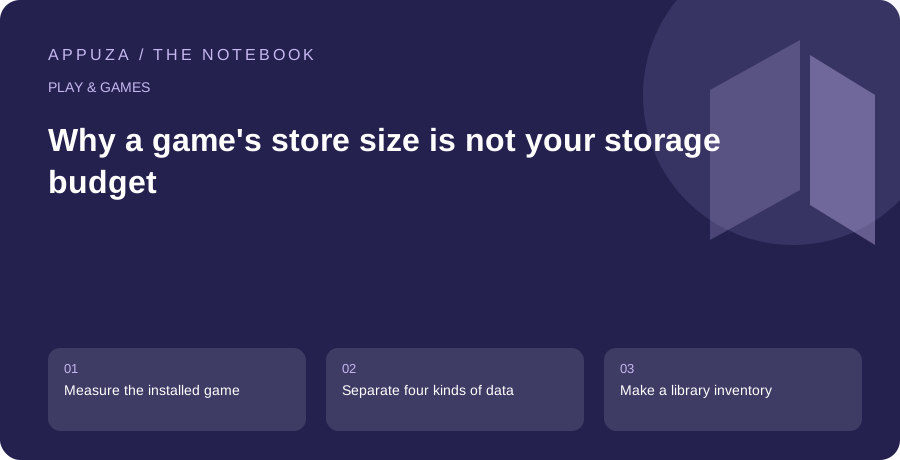
Measure the installed game
The size shown on a store listing is useful context, but it is not a complete description of what a game will occupy after setup. A title may download additional maps, languages or visual assets after its first launch. The installed application may also retain temporary files or local data. Use the phone's own storage view to inspect the result after you have opened the content you intend to play. Record the date, because updates can change the footprint.
Think in terms of a storage budget rather than a competition to install the smallest possible game. Your phone also needs space for photographs, messages, travel documents and system activity. A large game can be a reasonable choice if you use it regularly and have adequate room. Several forgotten games can be a poor choice even when each looks modest in isolation. The useful comparison is between the space consumed and the role that title plays in your actual routine.
Separate four kinds of data
Create four mental categories: the application itself, downloaded optional content, personal progress and replaceable temporary data. The distinction matters because deleting each category has a different consequence. Removing an optional language pack might be reversible with a download; deleting local progress might not be. A storage screen does not always explain those consequences in enough detail. Check the game's own management options and support instructions before selecting a broad clear-storage command.
Do not assume that a button called clean or optimize understands the importance of your save. A third-party cleaner may describe large files without knowing whether they are replaceable assets or meaningful user data. Prefer the operating system's documented storage tools and the game's own download manager. If you cannot identify a file, leave it alone until you have verified its purpose. The time saved by an aggressive cleanup is small compared with the frustration of rebuilding a long campaign.
Make a library inventory
List the games you have opened in the last month and the ones you keep only because you might return someday. For each important title, note the installed size and whether progress is safely associated with a supported account or backup. Mark local-only or uncertain saves clearly. This produces a sensible removal order: unused games with verified recovery paths are easier candidates than active games with uncertain local progress.
Give each retained title a role. One might be your long campaign, another a quick puzzle and another a weekly multiplayer activity. If two large games serve the same role and you only use one, you have a clearer decision than a generic request to free several gigabytes. You do not need to delete every inactive title immediately. The inventory simply makes the trade-off explicit when a new download or essential update needs room.
Manage optional downloads deliberately
Look inside the game for supported controls over optional content. Some games expose choices for language audio, high-resolution assets or completed chapters; others do not. Only describe a particular option as available after checking that game's current version. If an option exists, choose according to the way you actually play. Downloading every voice language or maximum-resolution pack by default can spend storage on content you never encounter.
After removing optional assets, launch the relevant activity again and confirm that the game behaves as expected. Record whether it requests a new download. This is especially important before travel, when a storage-saving change at home can become an inconvenience without Wi-Fi. Keep the relationship between storage and connectivity visible: a smaller local installation may depend more heavily on future downloads. Neither approach is universally better; the right choice depends on your available space and connection.
Leave room for maintenance
A phone that has barely enough room to keep a game installed may still struggle with the next update. Update processes can involve downloading and preparing files before older ones are removed, so do not treat the current installed total as the exact amount of space you will ever need. The required headroom varies by application and platform. Follow the store's actual error message rather than applying an invented universal percentage.
When a download fails, check the device's storage view and the official store's troubleshooting advice. Avoid repeatedly restarting a large transfer before understanding whether the problem is capacity, connectivity or account state. If you decide to remove a game temporarily, verify its recovery route first. Google documents app archiving as a storage option, but availability and the ability to download an app again depend on the relevant conditions. Archiving should not become an excuse to ignore save recovery.
A concrete inventory might label one title active campaign, another weekly group game and a third finished. The finished title becomes a removal candidate only after its save or purchase recovery is understood. This order is more useful than sorting purely by size: it protects the experience you still value while freeing space from an installation whose current purpose has ended.
Make cleanup a small recurring decision
A monthly five-minute review is often easier than a crisis cleanup when the camera refuses to save a photograph. Look for unfinished downloads, unused optional packs and games whose role in your library has ended. Keep a separate note of titles you might reinstall so that their icons do not need to remain on the phone as reminders. Store that list in a normal note rather than preserving large installations solely to remember their names.
The final decision should consider three costs together: local space, download time and risk to progress. A large frequently played game with reliable saves may deserve its space. A small abandoned title with irreplaceable local progress may deserve a supported backup before removal. Good storage management does not reduce everything to a file-size ranking. It gives you a library that fits your device while making every deletion understandable and, where possible, recoverable through the developer's intended method.
Official references
These are editorial walkthroughs based on documented features, not claims of a completed device test. Product behavior can change. Send a correction.